Why Browser Choice Matters for Dark Web Access
Your browser is the software layer between you and the websites you visit. On the regular internet, your browser leaks your IP address, location, device type and browsing history to every server you connect to. On the dark web, a browser that doesn't properly route traffic through Tor, or that allows JavaScript to run uncontrolled, can deanonymize you in seconds. A single misconfiguration or outdated plugin can undo months of careful security work. The difference between a safe dark web browser and an unsafe one is not cosmetic. It's the difference between remaining unknown and having your real identity linked to your onion site visits in a law enforcement database or a hacker's log file.
Tor Browser: The Standard Dark Web Access Tool
Tor Browser is the official browser maintained by the Tor Project, a nonprofit organization that develops and maintains the Tor network itself. It is built on Firefox and includes Tor client software, a proxy configuration, and security hardening that disables plugins, JavaScript isolation, and other features that could leak your identity. Tor Browser routes all traffic through multiple Tor relays, meaning your real IP address is hidden from the websites you visit. It is free, open source, and available for Windows, macOS, Linux, Android and iOS. For most users seeking dark web access, Tor Browser is the correct choice because it is purpose-built, regularly updated, and audited by security researchers. The Tor Project publishes security advisories and patches quickly when vulnerabilities are discovered.
Operating Systems Designed for Dark Web Work
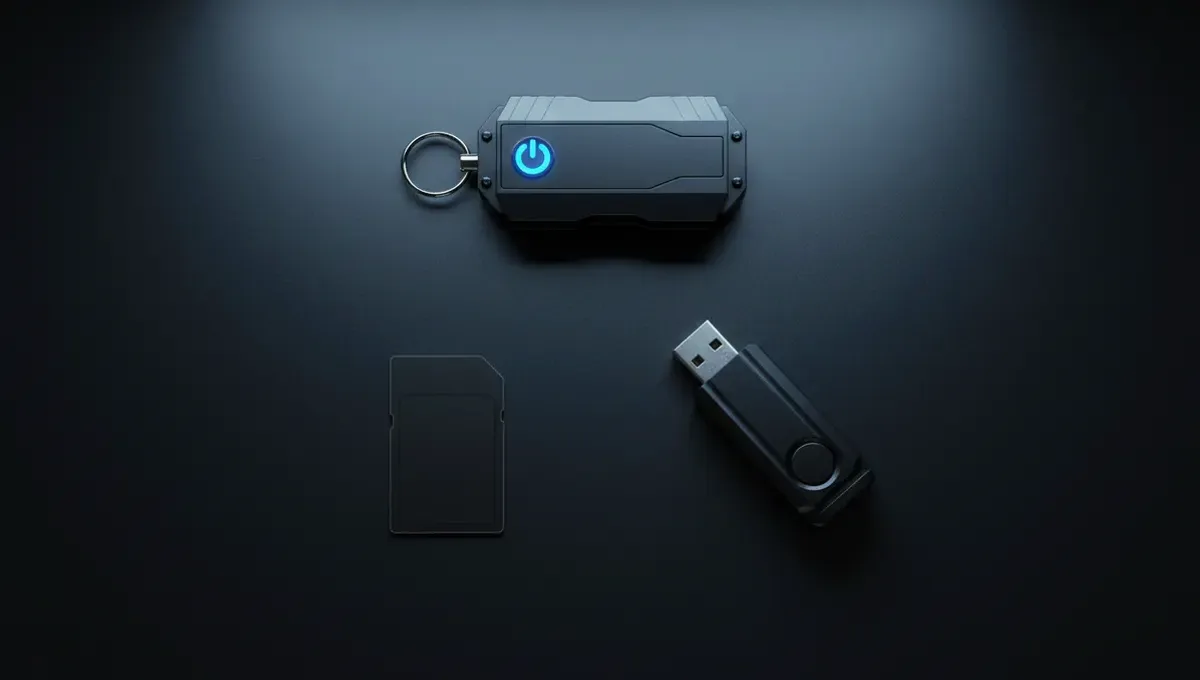
Some users need more than a browser. They need an entire operating system configured to route all traffic through Tor and to leave no trace on their computer. Tails is a Linux distribution that boots from a USB stick or DVD, runs entirely in RAM, and routes all network traffic through Tor by default. It includes Tor Browser, encrypted messaging, PGP tools and a file shredder. Whonix is another Linux distribution that runs as a virtual machine and isolates Tor traffic in a separate VM, so even if malware compromises your applications, it cannot bypass Tor or reveal your real IP. Both Tails and Whonix are free and open source. They are used by journalists, activists and security researchers who need to guarantee that no unencrypted traffic leaves their machine. If you are accessing the dark web from a shared computer, a public library or a hostile network, Tails or Whonix is a stronger choice than Tor Browser alone.
Comparing Dark Web Access Methods
Here is how the main options compare across key criteria:
- Tor Browser: Easiest to install and use. Works on any operating system. Suitable for casual dark web browsing. No protection against malware on your host machine.
- Tails: Maximum isolation. Leaves no trace on your computer. Requires USB or DVD boot. Slower because everything runs in RAM.
- Whonix: Strong isolation via virtual machine. Easier to use than Tails for regular work. Requires VirtualBox or KVM. Protects against IP leaks even if malware runs.
- VPN plus Tor Browser: Not recommended. VPNs can log your traffic and compromise Tor's anonymity. The Tor Project advises against this combination.
Choose Tor Browser if you are accessing the dark web from a personal computer you control and you trust your operating system. Choose Tails or Whonix if you are on a shared or untrusted machine, or if you need to guarantee that no trace of your activity remains.
Common Mistakes When Choosing a Dark Web Browser
Many users make choices that undermine their security. Using a regular browser like Chrome or Firefox with a VPN is not dark web access. It does not hide your traffic from the VPN provider, and it does not connect you to onion sites. Downloading a browser called 'Tor Browser' from a website that is not torproject.org is a common phishing attack. Clones of Tor Browser exist on GitHub and other repositories and are sometimes malware. Always verify the download link and check the GPG signature of the installer. Using an outdated version of Tor Browser leaves you vulnerable to known exploits. The Tor Project releases updates frequently. If your browser is more than a few weeks old, update it. Enabling plugins, JavaScript or browser extensions in Tor Browser defeats its security hardening. The browser disables these by default for a reason. Do not re-enable them unless you understand the specific risk you are accepting.
Reality Check: What These Browsers Actually Protect
According to Tor Project documentation, Tor Browser protects your IP address and location from websites you visit, and it prevents your ISP from seeing which onion sites you access. However, it does not protect you from malware on your computer, from phishing attacks, from law enforcement if you commit a crime, or from your own mistakes. If you visit an onion site that is actually a honeypot run by law enforcement, Tor Browser will not hide your activity from that site's operator. If you download a file and open it without checking it first, malware can execute. If you use the same username on the dark web that you use elsewhere, you can be identified through that username alone. Court records and law-enforcement press releases show that many dark web users have been caught not because Tor was broken, but because they made operational security mistakes: reusing identities, downloading files carelessly, or visiting sites that were run by police. Tor Browser is a tool. It is not a substitute for careful behavior.
How to Verify and Install a Safe Dark Web Browser
Follow these steps to ensure you are installing the real Tor Browser and not a clone or malware:
- Go to torproject.org in your regular browser. Do not use a search engine link.
- Download the Tor Browser installer for your operating system.
- On the download page, you will see a link to the GPG signature file (.asc file).
- If you have GPG installed, verify the signature by running the command provided on the Tor Project website.
- If you do not have GPG installed, at minimum check the file hash against the hash listed on torproject.org.
- Run the installer only after verification.
- Launch Tor Browser and wait for it to connect to the Tor network. You will see a status window.
- Once connected, open a new tab and visit a site like check.torproject.org to confirm your traffic is routed through Tor.
Do not skip verification. Do not install from mirrors or third-party sites. Do not assume a download is safe because it came from GitHub.
Choosing the Right Browser for Your Threat Model
Your choice depends on what you are protecting against. If you are a journalist researching a story and you need to browse the dark web without your ISP knowing, Tor Browser on your personal computer is sufficient. If you are an activist in a country where internet activity is monitored by the state, Tails booted from a USB stick is stronger because it leaves no trace on your computer. If you are a researcher who needs to analyze malware or visit hostile sites, Whonix isolates the risk so that malware cannot compromise your real operating system. If you are a casual user curious about onion sites, Tor Browser is the right starting point. If you are doing sensitive work repeatedly, invest time in learning Tails or Whonix. The best dark web browser is the one you will actually use correctly, not the one with the most features or the most hype. Start with Tor Browser. If your threat model changes, upgrade your setup.
Common Questions
Is Tor Browser the only way to access the dark web
Tor Browser is the most common and recommended method, but Tails and Whonix are alternatives that offer stronger isolation. All three route traffic through the Tor network. Regular browsers like Chrome or Firefox cannot access onion sites at all, even with a VPN.
Can I use a VPN with Tor Browser to access the dark web
The Tor Project advises against combining VPN and Tor. A VPN can log your traffic and compromise Tor's anonymity. If you need additional security, use Tails or Whonix instead of adding a VPN on top of Tor Browser.
How do I know if I downloaded the real Tor Browser
Download only from torproject.org. Verify the GPG signature of the installer using the instructions on the Tor Project website. Do not trust mirrors or third-party repositories. If you cannot verify the signature, check the file hash against the hash listed on torproject.org.
Does Tor Browser protect me from malware on the dark web
Tor Browser protects your IP address and location, but it does not protect you from malware files you download or from phishing attacks. Always verify files before opening them, and assume that any site could be malicious. Use antivirus software and keep your operating system patched.
What is the difference between Tor Browser and Tails
Tor Browser is a standalone application that routes traffic through Tor. Tails is an entire operating system that boots from USB, runs in RAM, and routes all traffic through Tor by default. Tails leaves no trace on your computer and is stronger for high-risk scenarios.