What Makes a Dark Web Browser Different
A dark web access browser does more than hide your IP address. It routes your traffic through multiple relays operated by volunteers, making it nearly impossible for a single observer to link your identity to your activity. The Tor network itself is free and open-source, maintained by the Tor Project, a nonprofit organization.
The browser you use to connect matters because it can leak your real IP, your system fingerprint, or your browsing habits through side channels. A standard Firefox or Chrome will not protect you on the dark web, even with a VPN. The best dark web browser for android, for example, must handle the unique attack surface of mobile systems: fewer security updates, less memory isolation, and different permission models than desktop systems.
Tor Browser: The Standard for Onion Access
Tor Browser is a modified version of Firefox maintained by the Tor Project. It comes pre-configured with Tor, blocks plugins that could leak your identity, disables JavaScript by default on certain sites, and resizes your window to prevent fingerprinting. You download it, extract it, and run it. No installation, no registry changes, no persistent configuration that could be exploited.
For most users, Tor Browser is sufficient. It handles onion links correctly, connects to the Tor network automatically, and receives security updates regularly. The trade-off is that Tor Browser runs on your host operating system, which means malware on your computer could theoretically monitor your Tor activity or capture keystrokes. If you're checking whether your email is on the dark web or browsing public forums, Tor Browser is the right choice. If you're handling sensitive documents or facing targeted surveillance, you need more isolation.
Tails: Operating System for Maximum Isolation
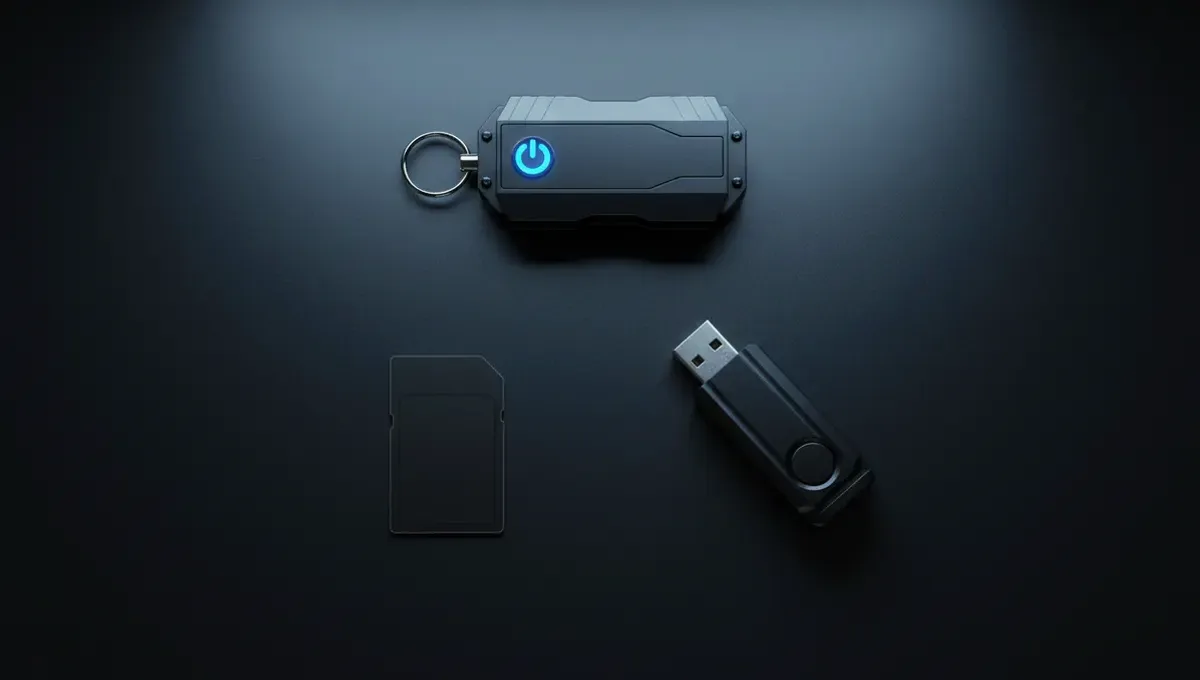
Tails is a complete operating system that boots from a USB drive or DVD. It runs in RAM only, leaving no traces on your hard drive. Every application runs through Tor by default. When you shut down Tails, all data is erased unless you explicitly save it to an encrypted volume.
Tails is not a browser; it's an environment. You get Tor Browser inside Tails, plus other tools like a text editor, email client, and file manager, all routed through Tor. The isolation is stronger because malware cannot persist across reboots and cannot access your main operating system. Journalists, activists, and people fleeing domestic violence use Tails when they need to be certain their activity leaves no trace. The learning curve is steeper: you need to understand how to boot from USB, how to create a persistent encrypted volume, and how to verify the download using PGP signatures.
Whonix: Virtual Machine Isolation Without Full OS Replacement
Whonix is a pair of virtual machines: a Gateway that routes all traffic through Tor, and a Workstation where you run applications. The Workstation cannot connect to the internet directly; it can only communicate through the Gateway. This design means even if malware compromises the Workstation, it cannot discover your real IP address or bypass Tor.
Whonix runs on top of your existing operating system using VirtualBox or KVM. You don't need to reboot or carry a USB drive. Updates happen inside the virtual machines, not on your host. This makes Whonix more practical for daily use than Tails, but less isolated than Tails because your host system is still running. Whonix is popular with security researchers and developers who need to test code or browse dark web websites while maintaining strong isolation from their main machine.
Comparing the Top Dark Web Browsers and Platforms
Here's how the main options stack up against common needs:
- Tor Browser: Easiest to use, sufficient for casual research, runs on Windows/Mac/Linux, mobile versions available, no special setup required.
- Tails: Strongest isolation, leaves no traces, requires USB boot, slower to set up, best for high-risk users.
- Whonix: Strong isolation without full OS replacement, runs as virtual machines, moderate setup complexity, good for developers and researchers.
- Onion Browser (iOS): Limited option for iPhone users, connects to Tor, less customizable than desktop Tor Browser.
- Orbot (Android): Routes Android apps through Tor, works with other browsers, but less isolated than Tor Browser on desktop.
The best dark web browser for android depends on your phone model and threat model. Orbot plus a privacy-focused browser like Fennec gives reasonable protection. A dedicated Tor Browser app on Android offers better defaults but still runs on your main phone, so it's not as isolated as Tails or Whonix.
Reality Check: How Browsers Fail and What Actually Protects You
The Tor Project's documentation on browser security emphasizes that Tor Browser protects against network-level surveillance, not against malware on your computer or against websites that trick you into revealing your identity. If you visit a dark web onion browser download site and click a trojanized file, Tor won't save you. If you maximize your browser window and log into a forum with your real name, Tor won't save you.
Law enforcement has seized dark web marketplaces not by breaking Tor, but by exploiting operational security failures: vendors who reused usernames across sites, administrators who made mistakes in server configuration, or users who uploaded files containing metadata. Court records from darknet market prosecutions show that the browser itself was rarely the vulnerability. The vulnerability was the person using it. This matters because it means choosing the best browser is necessary but not sufficient. You also need to understand what you're protecting against and what behavior actually creates risk.
Getting Started: Setup and Verification
If you've decided on a browser, here's how to proceed safely:
- Visit the official Tor Project website (torproject.org) directly, not through a search result or a link from another site.
- Download the Tor Browser package for your operating system.
- Verify the PGP signature of the download using the Tor Project's public key. This confirms the file hasn't been tampered with.
- Extract the package and run the executable.
- Wait for Tor to connect. You'll see a status window showing relay connections.
- Once connected, open the browser and test your connection using the built-in check page.
For Tails or Whonix, follow the official documentation on their respective websites. Both projects provide detailed setup guides and emphasize verifying downloads using PGP. Never trust a mirror or a third-party repackaging of these tools. The dark web browser website you find in a search result might be a phishing clone designed to distribute malware. The official resources are your only safe source.
Next Steps: Using Your Browser Responsibly
Once you have a working browser, your security depends on your behavior. Tor protects your network traffic, but it doesn't make you invisible to the websites you visit or to law enforcement if you commit a crime. If you're monitoring whether your personal information is on the dark web, use Tor Browser and search known dark web search engines or forums. If you're researching darknet markets for security awareness, do the same. If you're handling sensitive documents, use Tails or Whonix.
The most common mistake is assuming that using Tor means you can do anything without consequences. It doesn't. Tor is a tool for privacy and anonymity; it's not a tool for immunity. Your next step is to clarify what you actually need to protect and why. Then choose the browser that matches that need, not the one that sounds the most impressive. Visit the Useful Resources page on this site for links to official Tor Project documentation and verified onion addresses for security tools and information.
Common Questions
Is Tor Browser enough for dark web access or do I need Tails
Tor Browser is sufficient for most users researching the dark web or checking if their data is exposed. Tails is necessary if you face targeted surveillance, handle sensitive documents, or need to ensure no traces remain on your device. Your threat model determines which is appropriate.
Can I use a regular VPN instead of Tor Browser
No. A VPN hides your IP from websites but does not anonymize you on the dark web. VPNs can be compromised or subpoenaed. Tor Browser routes your traffic through multiple relays and is designed specifically for accessing onion sites. They serve different purposes.
What's the best dark web browser for Android phones
Tor Browser for Android is the most secure option. Orbot plus a privacy-focused browser like Fennec is an alternative. Both route traffic through Tor, but neither offers the isolation of Tails or Whonix because they run on your main phone.
Do I need to verify the PGP signature when downloading Tor Browser
Yes. Verifying the signature confirms the file came from the Tor Project and hasn't been modified. The Tor Project provides clear instructions on their website. This step prevents you from installing a trojanized copy.
Will Tor Browser protect me if I accidentally click a malicious link
Tor Browser protects your network privacy, not against malware or social engineering. If you download and run a trojanized file, Tor won't prevent it from executing. Safe behavior matters as much as the tool you use.