What Is a Darknet Address
A darknet address is a unique identifier for a website hosted on the Tor network. These addresses use a format like a long string of letters and numbers followed by .onion, rather than the .com or .org you see on the regular web. The Tor Project designed this system so that both the person visiting the site and the person running it remain anonymous.
Darknet addresses serve a legitimate purpose: they protect journalists, activists, and whistleblowers who need to communicate without surveillance. They also host forums, libraries, and communication platforms used by ordinary people seeking privacy. However, the same anonymity that protects legitimate users also attracts illegal marketplaces and scams, which is why understanding how to verify a real darknet address matters.
The address itself contains no geographic or identifying information. You cannot look up who runs a darknet address the way you might look up a domain registrant on the regular web. This anonymity is built into the system and is intentional.
How Onion Addresses Work on Tor
When you visit a darknet address using Tor Browser, your connection is routed through multiple Tor relays before reaching the destination server. The server itself is also hidden behind Tor, so neither party knows the other's real IP address. The .onion address acts as a cryptographic identifier that Tor uses to locate and connect to the hidden service.
Onion addresses come in two versions. Version 2 addresses are 16 characters long and were used for many years, but Tor Project deprecated them in 2021 due to security concerns. Version 3 addresses are 56 characters long and use stronger cryptography. Most active darknet sites now use version 3 addresses.
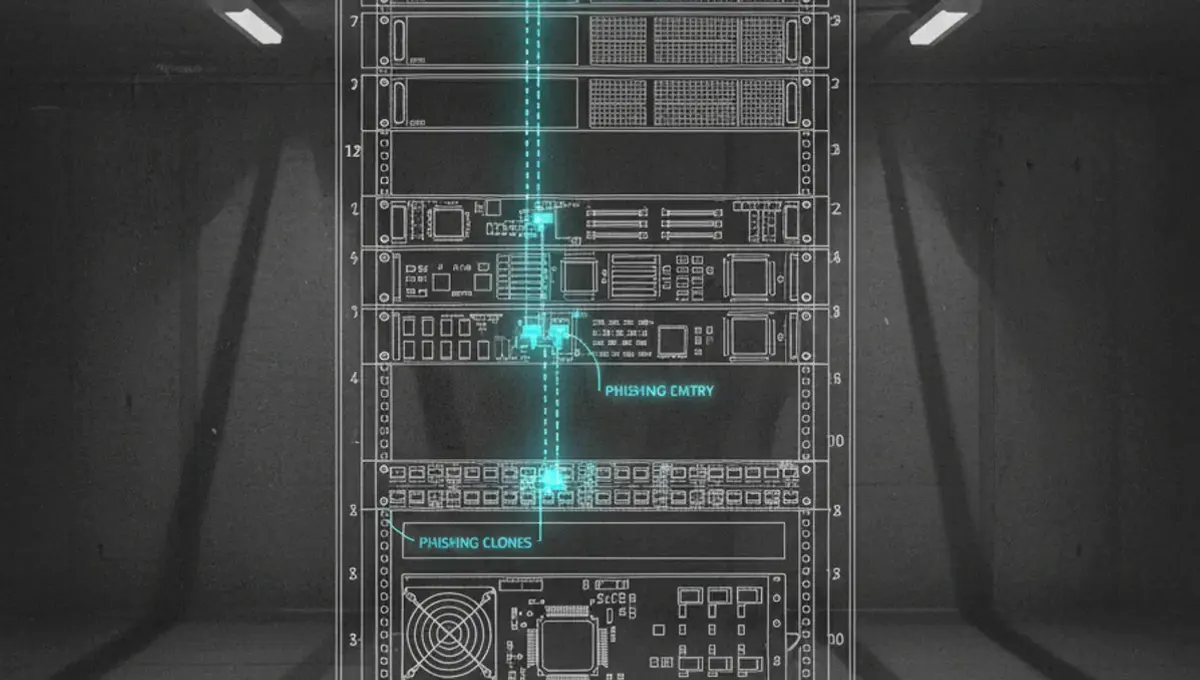
The long, random string in a version 3 address is derived from the server's public key. This means the address itself proves that only someone with the corresponding private key can run that service. If you visit the same .onion address twice, you are connecting to the same server both times, assuming the address has not been compromised or replaced by a phishing clone.
Darknet Address vs Dark Web Link: Key Differences
A darknet address is the technical identifier for a hidden service, while a dark web link is a clickable URL or reference to that address. When someone shares a dark web link com or provides a link of dark web in a forum or directory, they are giving you the darknet address in a format you can use.
The distinction matters because a dark web link can be fake. Someone might post a link of dark web that looks similar to a legitimate address but is actually a phishing clone designed to steal your login credentials or cryptocurrency. The darknet address itself is just data, but the context in which you receive it determines whether it is trustworthy.
When you see some dark web links listed in a directory or forum, verify each one independently before trusting it. The best darknet site directories include PGP signatures or other verification methods to prove the links are current and legitimate. Never assume that a link you find on Reddit or in a random forum is authentic.
Verifying Legitimate Darknet Addresses
Verification is the most critical step when using darknet addresses. Here is how to check whether a darknet address is real:
1. Check the official announcement or PGP-signed statement from the service operator. Legitimate darknet sites publish their addresses on their own platforms or through trusted channels, often with a PGP signature you can verify.
2. Look for the address on multiple independent sources. If a site is real, its address should appear in more than one reputable directory or on the site's own social media accounts.
3. Compare the full address character by character. Phishing clones often use addresses that differ by only one or two characters. Copy and paste the address rather than typing it manually.
4. Check the security certificate information in Tor Browser. Legitimate .onion sites may display a certificate or security indicator. While .onion sites do not use traditional SSL certificates, Tor Browser shows information about the connection.
5. Visit the Useful Resources page on this site for current verification methods and links to official announcements.
Common Phishing Tactics and How Addresses Get Cloned
Phishing clones are fake versions of legitimate darknet sites designed to steal credentials, cryptocurrency, or personal data. Attackers create a phishing clone by registering a new .onion address that looks almost identical to the real one, then copying the legitimate site's design and interface.
A common tactic is to change a single character in the address. For example, if the real address contains the letter 'o', the clone might use the number '0' instead. To a quick glance, the addresses appear identical, but Tor routes them to completely different servers. Users who do not verify the address carefully may log in to the clone and hand over their credentials.
Another tactic involves compromising the legitimate address itself through hacking or social engineering. If an attacker gains access to the server, they can modify the site to inject malware or steal data. This is why checking for official announcements and PGP signatures is essential. If the site operator has announced a change of address or a security incident, that information will be signed with their private key, which you can verify using their public key.
Phishing clones are especially common on darknet marketplaces and forums. Before logging in or sending cryptocurrency, always verify the address through multiple independent sources.
Reality Layer: How Darknet Addresses Behave in Practice
According to Tor Project documentation, .onion addresses are designed to be resistant to censorship and surveillance, but they are not immune to compromise. The cryptographic system ensures that only the holder of the private key can operate a service at that address, but if the private key is stolen or the server is seized by law enforcement, the address becomes compromised.
Public law-enforcement press releases and court records show that when authorities seize a darknet marketplace or forum, they often take the server offline entirely rather than replacing it with a clone. This means the address simply stops responding. Users who see the address go offline and then find a new address claiming to be the same service should verify through official channels before trusting it.
Security-vendor incident reports document that phishing clones are far more common than most users realize. Attackers register hundreds of similar addresses and use social engineering to direct users to the fakes. This is why the Tor Project recommends bookmarking .onion addresses and never relying on links from untrusted sources.
The practical lesson: a darknet address is only as trustworthy as the verification method you use to confirm it. No address is inherently safe; the safety comes from your verification process.
Finding Legitimate Darknet Addresses Safely
The safest way to find a legitimate darknet address is to start from an official source. If you are looking for a specific service, check its official website on the regular web first. Many legitimate organizations publish their .onion address on their clearnet site.
For directories and lists of darknet addresses, use established resources that include verification information. The Hidden Wiki and similar directories often include notes about which sites are active, which are scams, and which have moved to new addresses. However, even these directories can be outdated or compromised, so cross-reference information.
When you find a darknet address, do not visit it immediately. Instead, search for recent announcements or forum discussions about that address. If the site is legitimate and active, you will find recent posts or updates from users. If all the posts are months or years old, the site may be abandoned or replaced.
Join communities that discuss darknet sites and ask for verification. Experienced users can often confirm whether an address is current and legitimate. However, be cautious of anyone offering to share addresses privately or claiming to have exclusive access to a site.
Next Steps: Protecting Yourself When Using Darknet Addresses
Now that you understand how darknet addresses work and how to verify them, the most important action is to adopt a verification habit before visiting any .onion site. Do not assume that a link you find anywhere, including on this site, is current or safe without checking it yourself through multiple sources.
If you are new to using Tor and darknet addresses, start by visiting well-known, legitimate sites like news organizations or privacy advocacy groups that maintain .onion mirrors. These sites are less likely to be phishing clones and will help you get comfortable with the process.
Always use Tor Browser, the official tool from the Tor Project, rather than trying to access .onion addresses through a regular browser or a modified version. Tor Browser includes protections against many common attacks that other tools do not offer.
Finally, bookmark the addresses you trust and verify them regularly. If a site you use frequently announces a new address, check the announcement through multiple channels before updating your bookmark. This single habit will protect you from most phishing attacks and scams.
Common Questions
What does a darknet address look like
A version 3 darknet address is a 56-character string of letters and numbers followed by .onion, such as thehiddenwiki7cvk2pq6...onion. Version 2 addresses are 16 characters long but are no longer used. The long string is derived from the server's cryptographic key, not from a domain name or location.
Can I access a darknet address without Tor Browser
No. Darknet addresses only work through the Tor network. You must use Tor Browser, the official tool from the Tor Project, to access .onion sites. Using a regular browser or a VPN alone will not work. Some proxy services claim to offer access, but they are unreliable and compromise your anonymity.
How do I know if a darknet address is a phishing clone
Compare the address character by character against official sources. Phishing clones often differ by one or two characters. Check the site operator's official announcements, look for PGP signatures, and verify the address on multiple independent directories. If something feels off or the site asks for unusual information, leave immediately.
Are all darknet addresses illegal
No. Many legitimate organizations, journalists, and privacy advocates use .onion addresses to protect users from surveillance and censorship. However, some darknet addresses do host illegal content or services. The address itself is neutral; what matters is what the site does and whether you trust its operator.
What happens if a darknet address goes offline
If an address stops responding, the site may have been taken down by law enforcement, shut down voluntarily by the operator, or moved to a new address. Do not assume a new address claiming to be the same service is legitimate. Wait for an official announcement signed with the operator's PGP key before trusting a replacement address.