What Is a Darknet Homepage
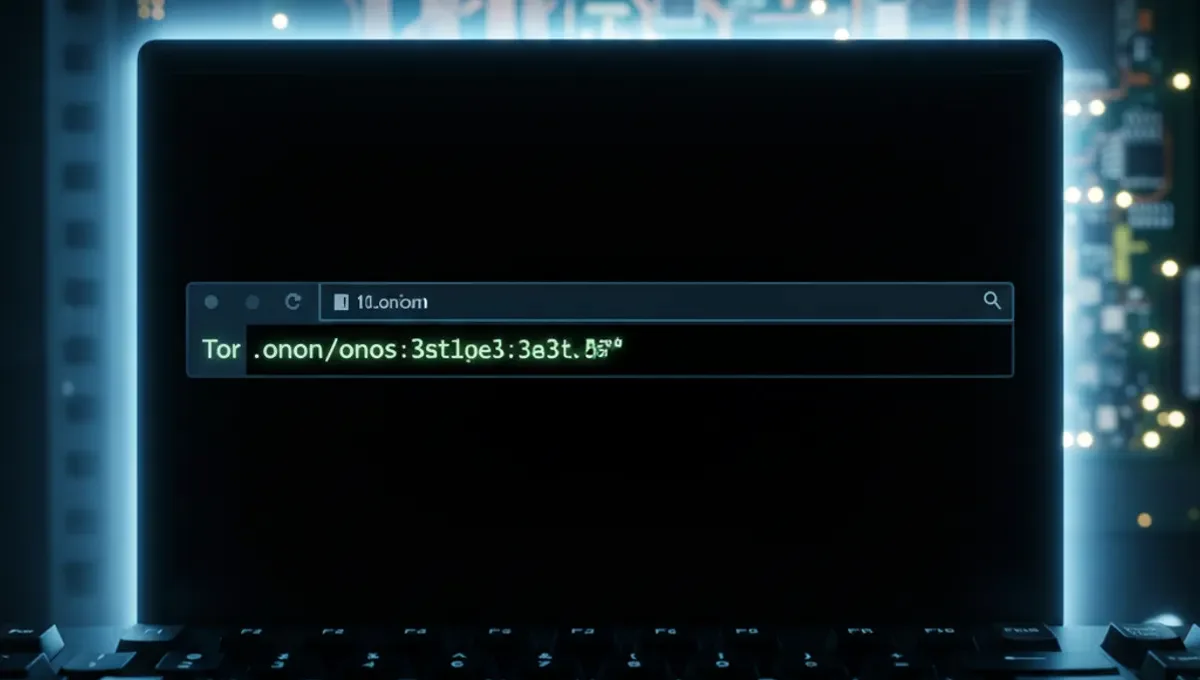
A darknet homepage is the landing page of a hidden service accessible only through the Tor browser. Each onion site operates independently with its own .onion address, which acts as both the domain and the entry point. Unlike traditional websites with recognizable URLs, onion addresses are long alphanumeric strings followed by .onion, making them difficult to memorize or verify by sight alone.
These homepages serve the same function as regular websites: they present information, navigation menus, and links to other pages within the service. Some are simple text-based pages, while others use graphics and complex layouts. The key difference is that the server hosting the homepage is hidden behind multiple layers of Tor routing, making the physical location and operator identity obscured from casual observation.
The term darknet homepage is sometimes used loosely to refer to directory sites or search engines that list other onion addresses, similar to how a web portal aggregates links. These directories themselves are homepages of their respective services.
How Onion Addresses Function as Entry Points
An onion address is generated cryptographically by the server operator when they set up a hidden service. The address itself encodes the public key of the service, which means the address is mathematically tied to the server's identity. When you enter an onion address into the Tor browser, your connection is routed through multiple Tor nodes and eventually reaches the hidden service.
The routing process is transparent to the user. You type the address, the Tor browser resolves it through Tor's hidden service protocol, and you arrive at the homepage. This process is slower than regular web browsing because of the additional routing layers, typically adding a few seconds to page load times.
One critical property of onion addresses is that they are not registered with any central authority. There is no ICANN equivalent for .onion domains. This means anyone can create an onion address, and there is no built-in verification that the address you are visiting belongs to the service you think it does. This property is both a feature (enabling true anonymity) and a vulnerability (enabling phishing and impersonation).
Phishing Clones and Address Verification
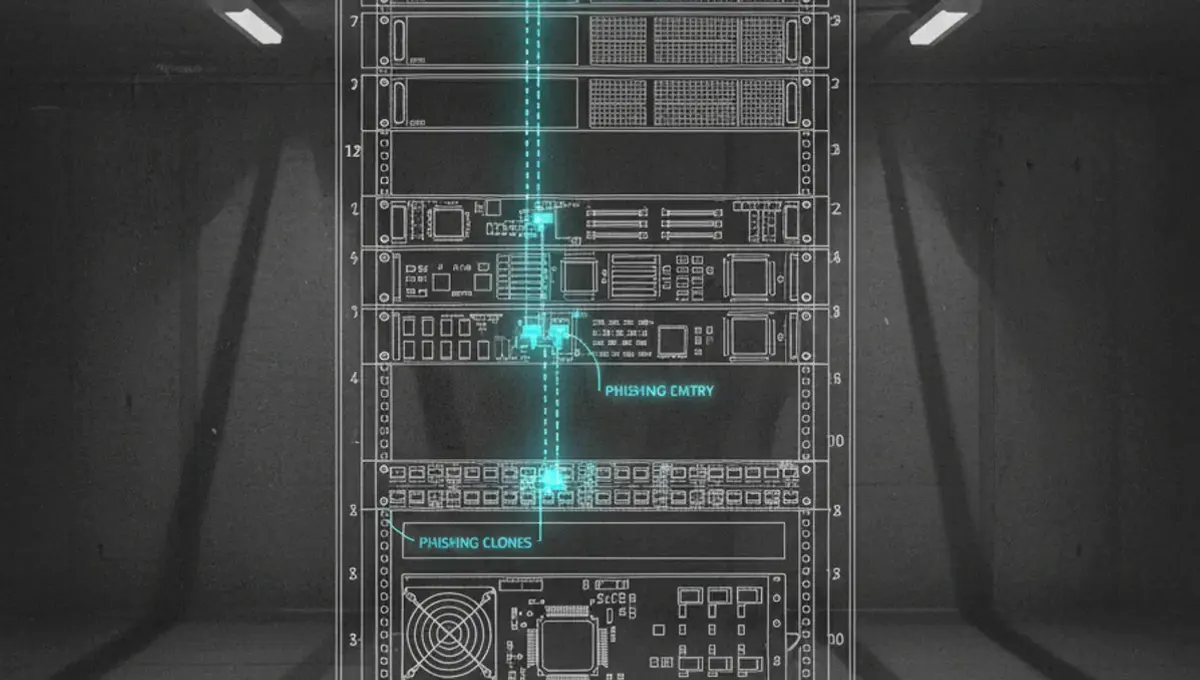
Phishing clones are fake copies of popular onion sites created by attackers to steal credentials, cryptocurrency, or personal information. Because onion addresses are long and difficult to verify visually, users often rely on memory, screenshots, or links from untrusted sources. An attacker can create a nearly identical clone with a different address and trick users into logging in or sending funds.
The most reliable way to verify an onion address is through PGP-signed announcements from the official operator. Many legitimate services publish their official .onion address on their clearnet website (if they have one), signed with a PGP key that users can independently verify. Some services also maintain a list of official mirrors or backup addresses, all signed and timestamped.
When visiting a darknet homepage for the first time, follow these steps:
- Find the address from an official source (the operator's clearnet site, a PGP-signed statement, or a trusted security resource)
- Verify any PGP signature using the operator's public key
- Type the address manually into the Tor browser rather than clicking a link
- Check the site's security certificate or any verification badges it displays
- Look for consistent branding and known features from previous visits
If a site asks you to log in immediately or requests payment before showing content, verify the address again before proceeding.
Common Darknet Homepage Categories
Darknet homepages serve different purposes depending on the operator's intent. News and information sites host journalism, whistleblowing platforms, and uncensored discussion forums. These typically have minimal graphics and focus on text content and archives. Library and resource sites aggregate books, academic papers, and technical documentation. Marketplace homepages display product categories, vendor lists, and transaction information, though these are often targets for law enforcement takedowns.
Community forums and chat services use homepages as entry points to discussion boards or messaging systems. Some homepages are simple landing pages with a single link to the actual service. Others are elaborate sites with multiple sections, user accounts, and complex navigation. The design and functionality vary widely because there are no standards governing onion sites.
A key distinction is between sites that operate continuously and those that are deliberately ephemeral. Some operators change their onion address frequently to avoid being targeted. Others maintain the same address for years. The homepage design often reflects the operator's security model and intended audience.
Reality Layer: Verification, Seizures, and Operator Behavior
According to Tor Project documentation, the hidden service protocol itself does not verify the identity of the operator; it only ensures that the service is reachable and that connections are encrypted. This means a homepage's authenticity depends entirely on out-of-band verification, such as PGP signatures or announcements on clearnet sites. Why this matters: users who skip verification are vulnerable to phishing, which is one of the most common attack vectors on the darknet.
Public law-enforcement press releases and court records show that many darknet homepages have been seized or taken offline as part of criminal investigations. When a service is seized, the homepage becomes inaccessible, and users may encounter error pages or see the domain redirected to a law-enforcement notice. Some operators respond by moving to a new onion address and announcing it through secure channels. Why this matters: a homepage that was legitimate yesterday may be offline today, and users need to know how to find official migration announcements.
Security-vendor incident reports document that phishing clones of popular darknet homepages often remain online for weeks or months before being reported or taken down. Attackers register multiple backup addresses and use social engineering to direct traffic to the clone. Why this matters: even experienced users can be fooled if they do not verify addresses through multiple independent sources.
Academic research on onion services has shown that many homepages use outdated or misconfigured security settings, leaving them vulnerable to traffic analysis or denial-of-service attacks. Why this matters: a homepage's appearance of legitimacy does not guarantee that the underlying service is secure or that user data is protected.
Accessing Darknet Homepages Safely
Before visiting any darknet homepage, ensure your Tor browser is up to date. The Tor Project releases security updates regularly, and running an outdated version exposes you to known vulnerabilities. Update through the official Tor browser download page, not through third-party sources.
Use a dedicated device or virtual machine if you plan to access multiple darknet homepages or handle sensitive information. This isolates any potential malware or tracking code from your main system. If using a virtual machine, ensure it has adequate resources and that you have taken a clean snapshot before starting.
When you arrive at a darknet homepage, observe these practices:
- Disable JavaScript in the Tor browser settings if the site does not require it
- Do not maximize your browser window, as this can reveal your screen resolution to the site
- Do not open multiple tabs to different onion sites simultaneously
- Do not download files unless you have verified the site and have a specific reason
- Do not enable plugins or extensions that could bypass Tor
- Log out and clear cookies before visiting a different site
If a homepage requests personal information, cryptocurrency, or credentials, pause and verify the address again. Legitimate services rarely ask for sensitive data on the homepage itself.
Mirrors, Backups, and Official Announcements
Many established darknet services maintain multiple onion addresses to ensure availability if one is seized or attacked. These mirrors are typically listed on the homepage or announced through official channels. A legitimate mirror will be signed with the same PGP key as the original service, confirming that the operator controls both addresses.
When a darknet homepage goes offline, users often search for mirrors or backups. The safest approach is to check the operator's clearnet website or social media accounts for an official announcement. Some services post migration information on Twitter, Reddit, or their own blog. Others use email lists or PGP-signed statements distributed through trusted channels.
If you find a homepage claiming to be a mirror or backup of a popular service, verify it before using it. Attackers frequently create fake mirrors to harvest credentials. Cross-reference the address with multiple independent sources, check for PGP signatures, and look for confirmation from the community or security researchers.
Keeping a record of official addresses and PGP keys helps you identify legitimate homepages over time. Store this information securely, separate from your browsing activity.
Moving Forward: Verification as Your First Step
The darknet homepage you visit is only as trustworthy as the address you use to reach it. Phishing, impersonation, and seizures are constant realities, which means verification is not optional but foundational. Before entering credentials, sending funds, or downloading files from any onion site, confirm the address through an official source and check for PGP signatures.
Your next action is to identify the specific darknet service you want to access and locate its official announcement or clearnet presence. If the service has a Twitter account, blog, or clearnet mirror, visit that first and look for the official .onion address. If you find multiple addresses claiming to be official, compare them against PGP-signed statements from the operator. This single step eliminates the majority of phishing attacks before they can harm you.
Common Questions
Is there a single darknet homepage I can visit
No. The darknet does not have a central homepage. Each onion site has its own .onion address and homepage. Some sites function as directories or search engines that list other onion addresses, but these are themselves individual services, not a unified entry point. You must know or find the specific address of the service you want to access.
How do I know if a darknet homepage is real or a phishing clone
Verify the .onion address through an official source, such as the operator's clearnet website or a PGP-signed announcement. Check for PGP signatures using the operator's public key. Compare the homepage design and content against previous visits or screenshots from trusted sources. If the site asks for credentials immediately, verify the address again before logging in.
What should I do if a darknet homepage I used before is now offline
Check the operator's clearnet website, social media accounts, or email announcements for information about mirrors or new addresses. Look for PGP-signed statements confirming the new address. Do not assume that a similar-looking homepage with a different address is the official mirror. Wait for official confirmation before using a new address.
Can I access a darknet homepage without the Tor browser
No. Onion addresses are only accessible through the Tor network. You must use the official Tor browser or another Tor client configured to access hidden services. Using a VPN alone is not sufficient. Some services offer clearnet mirrors, but these are separate from the onion homepage and may have different security or privacy properties.
What is the difference between a darknet homepage and a regular website homepage
A darknet homepage is hosted on a hidden service accessible only through Tor, with an .onion address instead of a traditional domain. The operator's location and identity are obscured. Regular website homepages are hosted on standard servers with publicly known IP addresses and domain names. Darknet homepages are slower to load due to Tor routing and are more vulnerable to phishing because addresses are difficult to verify visually.