What Free Dark Web Access Actually Means
Free dark web access refers to using the Tor Browser and related tools without paying a fee to reach .onion sites and hidden services. The Tor network itself is free and maintained by volunteers and nonprofit organizations. When you download Tor Browser from the official Tor Project website, you get a legitimate, open-source tool that anyone can use. This is different from paid VPN services or commercial anonymity software, which charge monthly fees. The distinction matters because many scams on the dark web exploit people who believe they need to buy special access or premium tools. In reality, the barrier to entry is low: download the software, connect, and browse. The real cost is your time spent learning to use it safely and your responsibility to avoid illegal content and phishing clones.
The Tor Browser: Your Gateway to Free Access
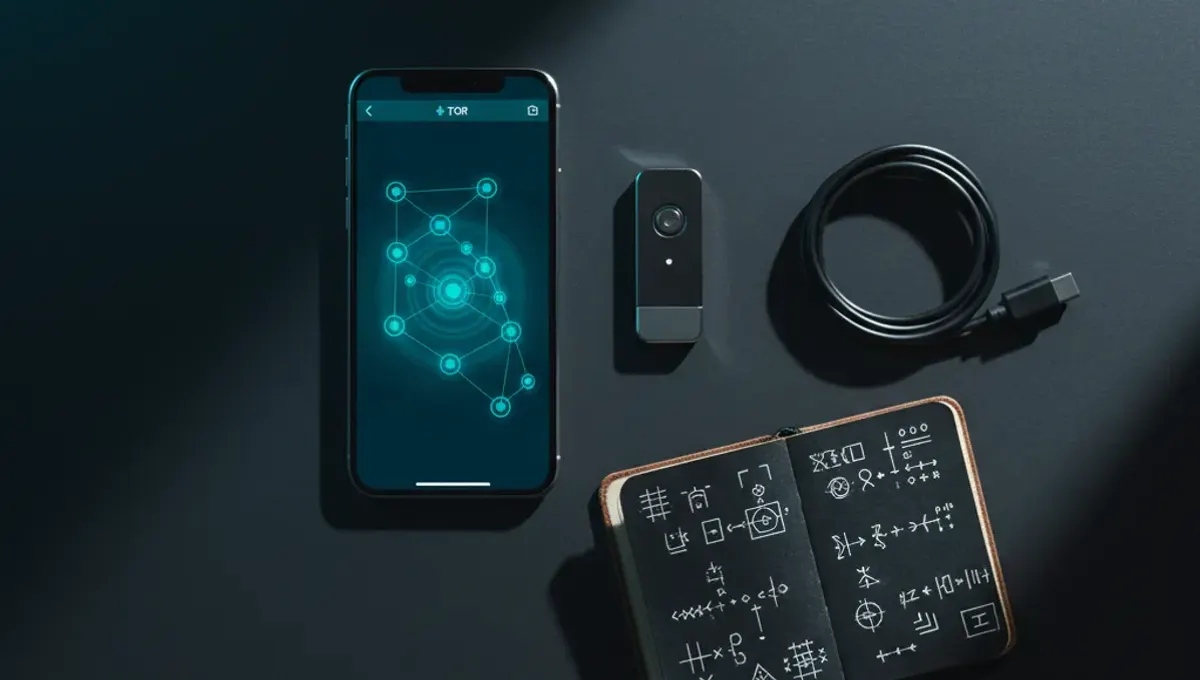
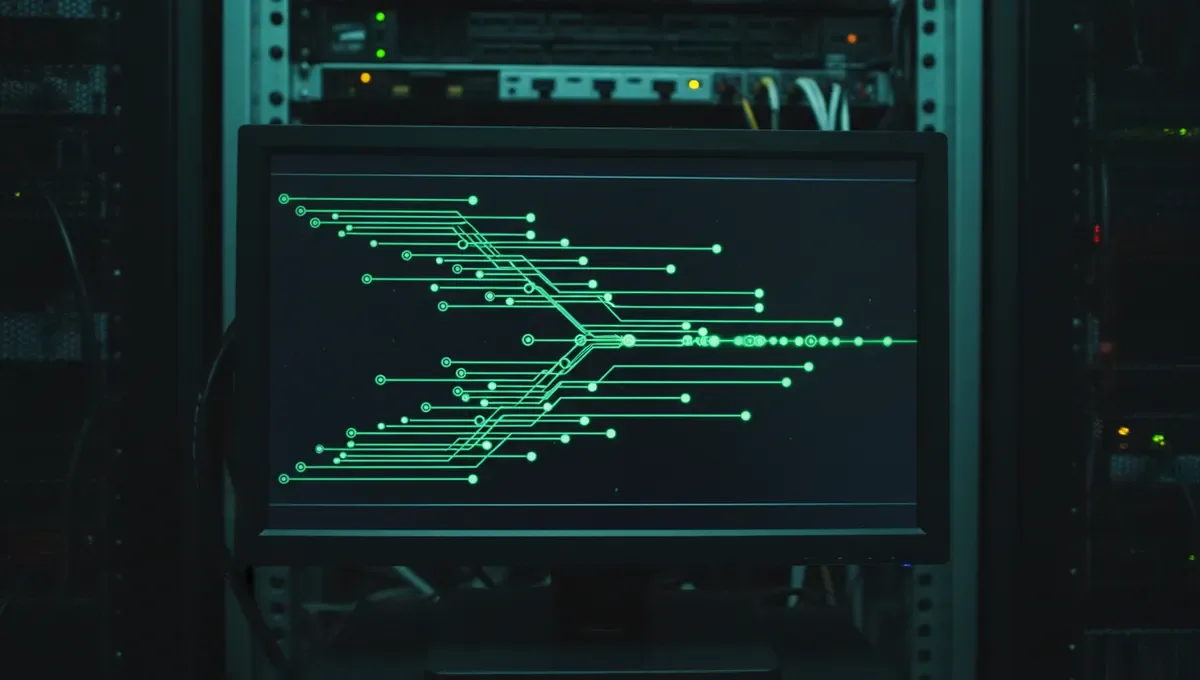
Tor Browser is the primary tool for free dark web access. It is a modified version of Firefox that automatically routes your traffic through the Tor network, a system of volunteer-run servers that encrypt and relay your data multiple times. When you use Tor Browser, your IP address is hidden and your location is obscured. The browser also disables plugins and scripts that could leak your real identity. You can download Tor Browser from the official Tor Project website at no cost. Installation takes a few minutes on Windows, macOS, or Linux. After installation, open the browser and click the connect button. Once connected, you can visit .onion sites by typing their addresses into the address bar, just as you would with a regular website. The connection is slower than normal browsing because your data travels through multiple relays, but this slowness is a feature, not a bug: it protects your privacy.
Finding Free Dark Web Sites and Onion Links
Free dark websites exist across many categories: forums, marketplaces, news sites, and archives. The challenge is finding legitimate ones without landing on phishing clones or scams. Several approaches help. First, use onion search engines like Ahmia or Torch, which index .onion sites and return results similar to Google. These are free and accessible through Tor Browser. Second, consult curated link directories hosted on the dark web itself, which are maintained by community members and often include user reviews. Third, verify addresses through PGP-signed announcements from official projects or communities. Never click a link from an untrusted source and assume it is real. Phishing clones are common: a fake marketplace or forum may look identical to the real one but steal your credentials or funds. When in doubt, check the Useful Resources page of this site or ask in established forums before visiting a new address.
Reality: How Free Access Exposes You to Risk
Free dark web access comes with genuine dangers that no tool can eliminate. According to Tor Project documentation, the anonymity Tor provides is only as strong as your operational security. If you log into a personal email account or use a username you have used elsewhere, you deanonymize yourself immediately. Law enforcement agencies, as documented in court records and press releases, monitor illegal marketplaces and forums and have successfully identified users who believed they were anonymous. Security-vendor incident reports show that malware, phishing, and scams are rampant on the dark web. A free marketplace or forum may disappear overnight, taking user funds with it. Additionally, simply visiting certain sites may be illegal in your jurisdiction, even if you do not purchase anything. The dark web is not a lawless zone where normal consequences do not apply: it is a place where consequences are often delayed and harder to predict. Understanding these risks means you can make informed choices about what to access and how to protect yourself.
Best Browser Practices for Free Dark Web Access
Using Tor Browser correctly is the foundation of safe free dark web access. Follow these practices consistently. First, always download Tor Browser from the official Tor Project website only, never from mirrors or third-party sources. Second, keep Tor Browser updated to the latest version, as updates patch security vulnerabilities. Third, do not maximize your browser window, as window size can be used to fingerprint and identify you. Fourth, disable JavaScript in the browser settings if you are visiting untrusted sites, as JavaScript can leak your real IP address. Fifth, use a separate operating system or virtual machine if you plan to access sensitive dark web content, to isolate your activity from your main computer. Sixth, never open files downloaded from the dark web without scanning them first or understanding what they contain. Seventh, assume that any site you visit may be run by law enforcement or a scammer. These practices are not paranoid: they reflect how the dark web actually operates.
Free Dark Web Access Apps and Alternatives
Beyond Tor Browser, other tools offer free dark web access on different platforms. Onion Browser is a free app for iOS that routes traffic through Tor and allows you to visit .onion sites on iPhone. Orbot is a free Android app that provides Tor connectivity for your entire device or individual apps. Both are open-source and maintained by the Tor Project or trusted developers. On desktop, Tails is a free operating system that boots from a USB drive and routes all traffic through Tor by default, leaving no trace on your computer. Whonix is a free virtual machine that isolates Tor usage from your main system. These tools are all free and legitimate. However, they are not substitutes for understanding how to use Tor safely. A tool is only as secure as the person using it. Choosing the best browser to access dark web depends on your device, threat model, and technical comfort level. For most people, Tor Browser on a desktop computer is the simplest starting point.
Verifying Addresses and Avoiding Phishing Clones
Phishing clones are the most common way people lose money or credentials on the dark web. A clone is a fake copy of a legitimate site, designed to look identical but controlled by a scammer. When you visit a clone, you may enter your username and password, which the scammer captures. You may deposit funds, which disappear. To avoid clones, verify addresses before visiting. Check the Useful Resources page of this site for links to official announcements and PGP-signed address lists. If a site publishes its address in a PGP-signed message, you can verify the signature using the site's public key, confirming the address came from the real operator. Never trust an address shared in a forum post or chat without verification. Bookmark addresses in your browser after verifying them, so you do not accidentally visit a typo domain controlled by someone else. If a site you trusted suddenly looks different or asks for unusual information, leave immediately and verify the address again. This discipline takes time but prevents the most common losses on the dark web.
Take the First Step Safely
Free dark web access is within reach, but it requires preparation and caution. Start by downloading Tor Browser from the official Tor Project website and reading their documentation on safe usage. Spend time understanding how onion addresses work and how to verify them before you visit any site. Consider your reason for accessing the dark web and whether the risk is proportional to your goal. If you are researching the dark web for security awareness, journalism, or academic purposes, document your process and keep detailed notes. If you are simply curious, start with public information sites and forums that discuss the dark web itself, rather than jumping into marketplaces or sensitive content. Your first action today should be to download Tor Browser and read the official Tor Project's security guide. This foundation will serve you far better than rushing to find links or sites.
Common Questions
Is Tor Browser really free to download and use
Yes, Tor Browser is completely free and open-source. You can download it from the official Tor Project website at no cost. There are no hidden fees, subscriptions, or premium versions. The Tor network itself is maintained by volunteers and nonprofit organizations, so there is no charge for using it.
Can I get caught using Tor Browser for free dark web access
Using Tor Browser itself is legal in most countries. However, what you do on the dark web may not be. If you visit illegal marketplaces, download illegal content, or commit crimes, law enforcement can investigate and potentially identify you, especially if you make operational security mistakes like logging into personal accounts. Tor provides anonymity, not immunity.
What is the best browser to access dark web on Android
Orbot is a free, open-source app maintained by the Tor Project that provides Tor connectivity on Android. You can use it with Tor Browser or route other apps through Tor. Alternatively, Onion Browser works on iOS. Both are free and legitimate tools for accessing the dark web on mobile devices.
How do I know if a dark web site is real or a phishing clone
Verify the address through PGP-signed announcements from the site operator or check the Useful Resources page of this site. Never trust an address shared in a forum or chat without verification. Bookmark verified addresses so you do not accidentally visit a typo domain. If a site looks different than expected, leave and verify the address again.
Do I need a VPN to use Tor Browser for free dark web access
No, you do not need a VPN to use Tor. Tor itself encrypts and routes your traffic through multiple servers, providing anonymity. Using a VPN with Tor can actually complicate your setup and may reduce your anonymity if the VPN provider logs your activity. Tor Browser alone is sufficient for most users.